How to use Phonak hearing aids
Phonak hearing aids are designed to be intuitive and user-friendly, but it’s completely normal to have questions—especially if you’re a first-time user. At Japebo, we’re here to help you feel confident using your Phonak devices every day. Whether you’re adjusting the volume, turning your devices on and off, or troubleshooting a reset, we’ve got you covered with expert guidance and trusted accessories.
How do I turn Phonak rechargeable hearing aids on and off?
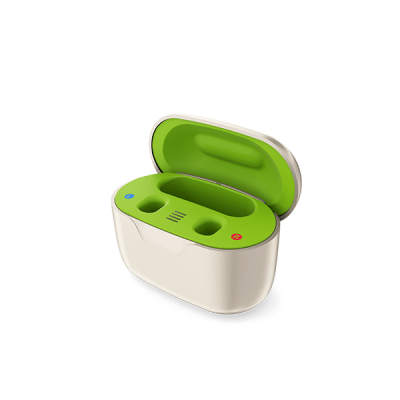
It’s easy—simply remove the devices from their charging case. Once lifted out, they automatically power on within a few seconds. There’s no need to press a button. You’ll hear a start-up jingle confirming that your hearing aids are active and ready to use.
In order to turn off the hearing aids, just place the hearing aids back into the charging case. They will automatically power off as soon as they make contact with the charging terminals. This not only shuts them down but also begins recharging the batteries. If you need to turn them off manually (for example, while not using the charger), press and hold the lower button on the hearing aid until the LED blinks red.
How do I adjust the volume on Phonak hearing aids?
If your model has onboard buttons, you can press the upper or lower button to increase or decrease volume. On some models, the same buttons may also serve for program changes. For more precise control, you can adjust the volume using the myPhonak app, available on iOS and Android. The app lets you manage volume, program settings, and even save custom sound profiles based on your environment.
Occasionally, you may need to know how to reset Phonak hearing aids—especially if they’re not responding or if audio cuts out. A soft reset can usually be done by turning the hearing aids off and on again (using the charger or buttons). For a full factory reset, you’ll need to visit your hearing care professional, but in some cases, the myPhonak app or the Remote Support feature may allow you to re-pair or refresh your device settings remotely.
For day-to-day use, we recommend:
-
Keeping your hearing aids charged overnight
-
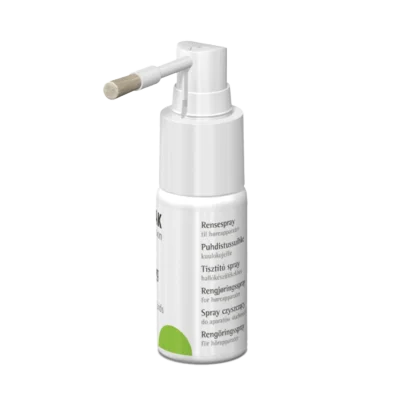
Cleaning them daily using a soft cloth and cleaning tools
-
Storing them in a dry, protective case when not in use
-
Using only original Phonak accessories to ensure full compatibility
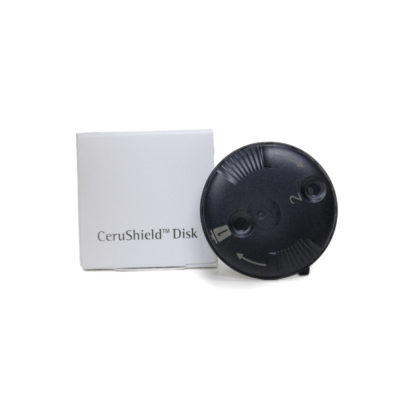
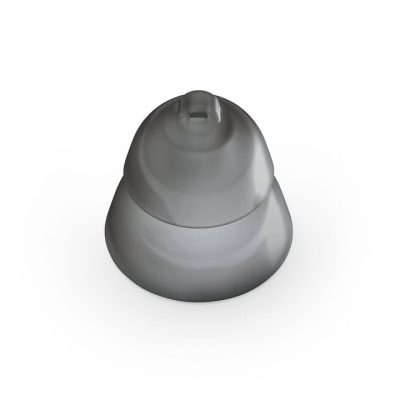
Japebo offers a full range of Phonak domes, wax guards, chargers, and cleaning tools to keep your hearing aids in top condition. Whether you’re a beginner or an experienced user, our guides and accessories help you get the most from your Phonak experience.
Want to dive deeper into your Phonak setup?
Explore our other user-friendly guides:
-
Discover everything about Phonak hearing aids in including top models and features
-
Learn how to properly clean and care for your hearing aids
-
Read up on batteries and charging tips for all Phonak models
-
Get step-by-step instructions for pairing and connecting your hearing aids to phones, TVs, and more
Together, these resources ensure that your Phonak hearing aids stay clean, connected, and ready to perform every day.