Phonak hearing aids are designed to be intuitive and user-friendly, but it’s completely normal to have questions—especially if you’re a first-time user. At Japebo, we’re here to help you feel confident using your Phonak devices every day. Whether you’re adjusting the volume, turning your devices on and off, or troubleshooting a reset, we’ve got you covered with expert guidance and trusted accessories.
How do I turn Phonak rechargeable hearing aids on and off?
It’s easy—simply remove the devices from their charging case. Once lifted out, they automatically power on within a few seconds. There’s no need to press a button. You’ll hear a start-up jingle confirming that your hearing aids are active and ready to use.
In order to turn off the hearing aids, just place the hearing aids back into the charging case. They will automatically power off as soon as they make contact with the charging terminals. This not only shuts them down but also begins recharging the batteries. If you need to turn them off manually (for example, while not using the charger), press and hold the lower button on the hearing aid until the LED blinks red.
How do I adjust the volume on Phonak hearing aids?
If your model has onboard buttons, you can press the upper or lower button to increase or decrease volume. On some models, the same buttons may also se
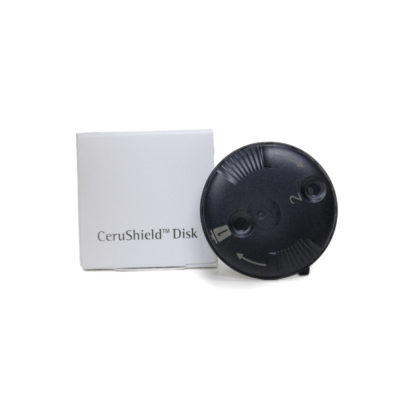
Phonak CeruShield Disk Wax Guard